An independent school that blends tradition and modernity
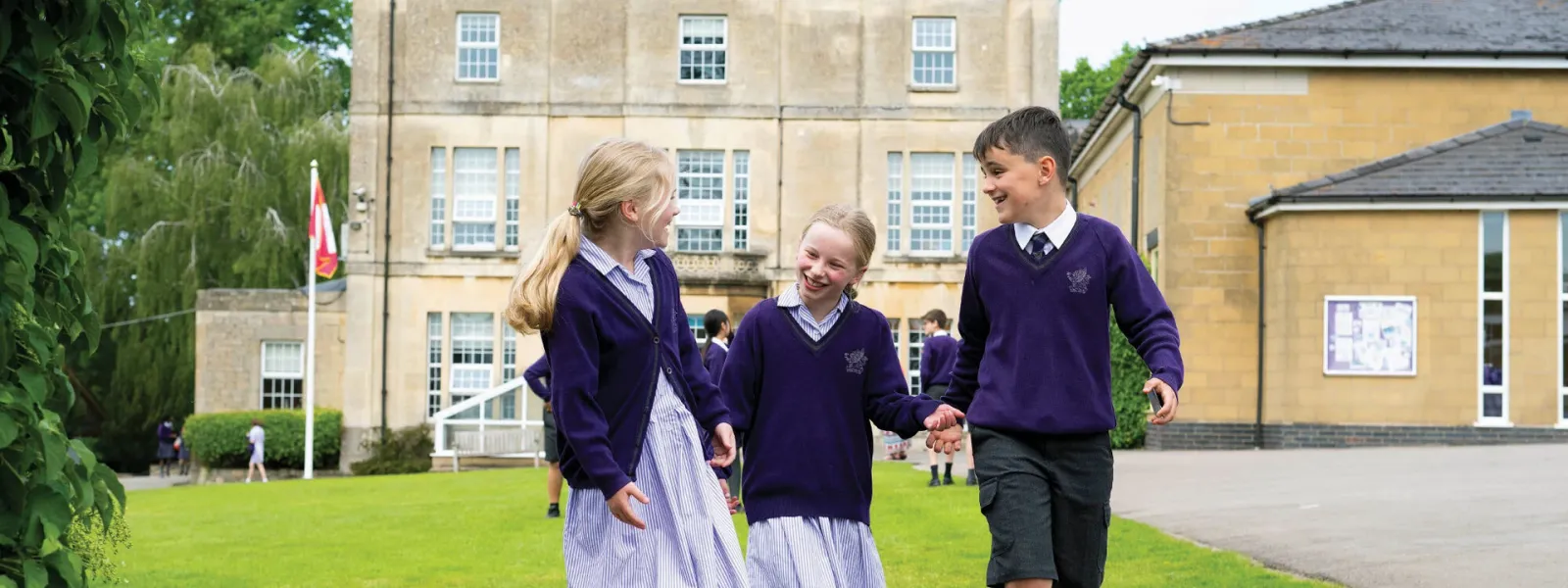
Wycliffe College is a thriving independent day and boarding school for boys and girls aged 3 to 18, set in the heart of the Cotswolds in South West England. Children join the Nursery from age 3, the Preparatory School welcomes pupils from 4 to 13, and the Senior School, with its Sixth Form, takes young adults up to 18.
Wycliffe successfully blends the traditional and the modern: a contemporary environment in a beautiful rural location, with excellent road and rail links to London and close to Cheltenham, Bristol and Bath.
Reaching every parent, whatever device they use
A school community is made of very different readers: parents checking updates on phones, tablets or laptops, staff who need internal documents, and alumni who want to stay connected. Wycliffe needed one way to reach all of them:
- A weekly update every parent can read easily, on any device
- Internal documents shared only with staff
- An online magazine for the wider school community and alumni
- A simple workflow built on the PDFs the school already produces
One platform for parents, staff and alumni
Wycliffe College relies on two Flipsnack features: PDF upload and private publishing. With privacy settings, the school can publish confidential documents and share them only with the right people.
1. A weekly newsletter for every parent
Communication with parents is the main use. Every week, Wycliffe sends a digital newsletter to all parents, in a format that is easy to read whatever device they use.
We currently use Flipsnack for communication with parents mainly. We send a weekly newsletter to all parents, so that it is in an ‘easy to read format’ for all parents regardless of the device that they use to access it.
Mr. B IttyavirahDirector of IT, Wycliffe College
2. The school calendar, shared privately with staff
The printed school calendar is also published digitally and shared privately with all staff, an easy way to keep internal documents in one place without making them public.
3. An online magazine for the Old Wycliffians
The Wycliffe Foundation office and the Wycliffian Society, the school’s alumni body, use Flipsnack to share their online magazine with the whole school community and the Old Wycliffians, the school’s former students.
With Flipsnack, we are able to share our printed school calendar in a digital format with all staff. Our Wycliffe Foundation office also uses Flipsnack to share their online magazine with the whole school community and the Old Wycliffians - our alumni students.
Mr. B IttyavirahDirector of IT, Wycliffe College
Why digital publishing works in schools
Flipsnack is valuable in education because it brings students, teachers and staff together, inside the classroom and outside it. When students create projects, teachers can review them immediately, and schools like Wycliffe can share newsletters and magazines with parents from the same platform. See how schools and universities use Flipsnack.
Tradition, modernity and one place to publish
Wycliffe College values tradition, embraces modernity and respects individuality. Flipsnack helps it live all three: weekly newsletters every parent can read, confidential documents shared only with staff, and an alumni magazine that keeps generations of Old Wycliffians connected.