
Turn PDFs into interactive experiences
Add links, videos, and interactive elements to your PDFs and track how readers interact with every element to optimize engagement and conversions.
Trusted by the world’s most innovative businesses





See the difference interactivity makes
When a document becomes interactive, it’s easier to navigate, more engaging to read, and actually helps move people to action, all in one flipbook.
B2B catalog views
Electrolux story
faster store operations
Pandora story
increased engagement
Radioshuttle story
saved costs on printed assets
Pineywoods story
Guide readers to the right content
Make long documents easy to explore with clear, interactive navigation. Readers find what they need faster and stay engaged longer:
- Add a clickable table of contents for quick access to sections
- Use internal links to connect related pages
- Create clear navigation paths that guide readers through the content
Explain more in less time with videos
Embed videos from YouTube or Vimeo, or upload your own directly into your publication. Bring your content to life with video that explains, demonstrates, and keeps attention longer.
Embed custom interactive content
Embed interactive elements directly into your flipbook using iframes. Let readers explore, interact, and take action without leaving the page. You can add:
- Maps to show locations or coverage areas
- Virtual tours and interactive experiences
- Forms for lead capture or feedback
- Custom tools or widgets tailored to your workflow
How to create publications with interactive elements
Create interactive PDF1. Upload or create
Upload PDF, create from scratch. Your document is instantly converted into a digital flipbook with a realistic page-flip experience.
2. Add interactive elements
Guide readers, explain content, and create conversion points using links, videos, forms, buttons, and embeds.
3. Customize and publish
Apply your branding, adjust the layout, and share your publication anywhere — via link, embed, or private access.
4. Track and optimize
See how readers interact with your content. Track views, clicks, and engagement, then improve performance using real data.
Turn publications into selling tools
Offer context with products tags
Show product details like name, price, and description directly in your catalog, so buyers get the context they need without leaving the page.
Sell more by adding a shopping cart
Let buyers add products to a shopping list as they browse your catalog and send it as an order, via email or preferred checkout option.
Convert readers where they already are
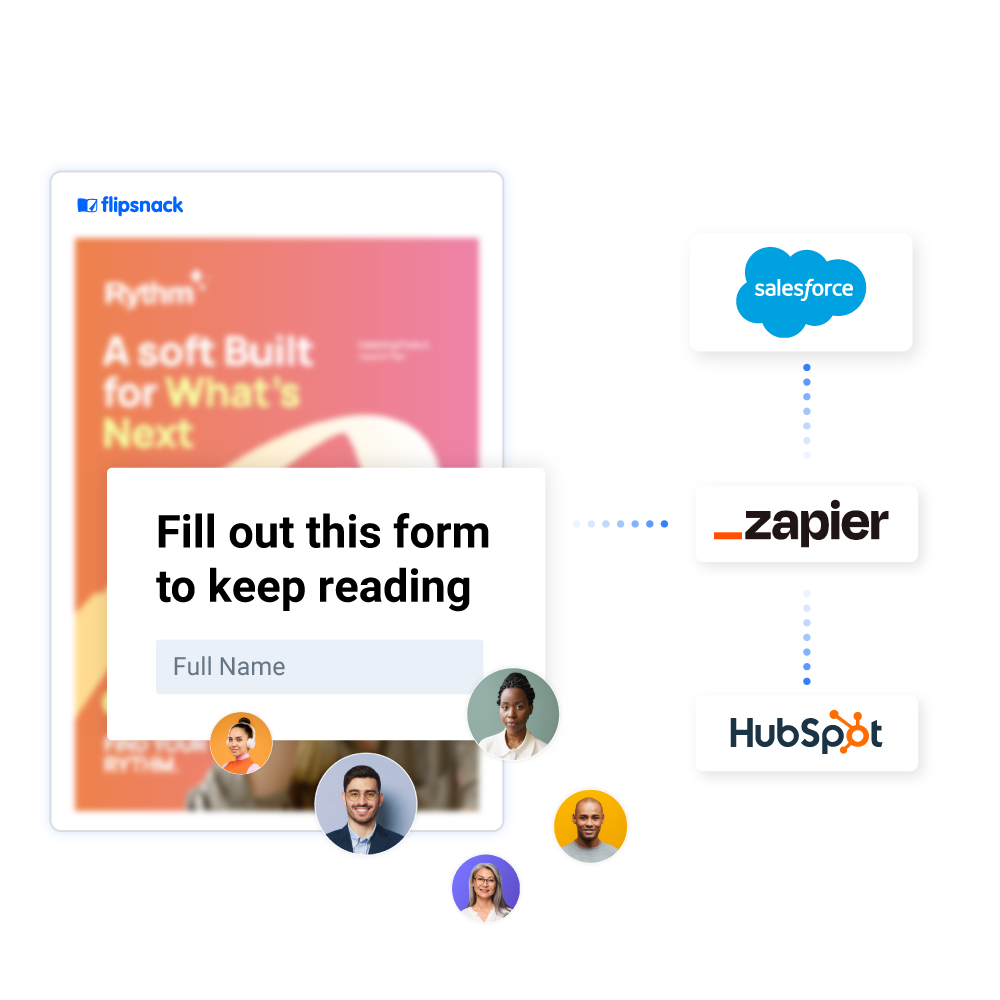
Capture emails and other details directly inside your content with lead forms. Send submissions to HubSpot or Salesforce, view them in Flipsnack, or download them as a CSV.


Flipsnack is a catalyst in the transition to a more sustainable business. It combines the feeling that a paper catalog gives with interactive and easy-to-use multimedia features that take the user experience to the next level.
More interactive elements to engage readers

Photo slideshows
Group images into interactive elements that guide readers through visual stories.

Tags & captions
Add context, explanations, or links exactly where is needed in your publication.

Pop-up frames
Show additional pop-up content inside your publication without distracting readers.

Social buttons
Let readers share your publication or connect with your brand on social media.

Links
Guide readers to specific pages, sections, or external resources.

Spotlight image
Turn images into full-screen, zoomable views for detailed product showcases.

GIFs
Add motion and personality with animated elements that capture attention.

Buttons
Drive action with clear, customizable call-to-action buttons.

Charts
Display spreadsheet charts as interactive visuals for reports and data-driven content.

Quizzes
Test knowledge, gather feedback, and track results directly in your flipbook.

Questions
Collect insights and feedback on products, services, or content.

Contact form
Obtain contact details and inquiries within your flipbook, for lead generation.


I like that you can click on something and instantly get more info. The catalog stays clean and easy to read, and if customers want more details, they just click on it.
Track engagement for every interactive element
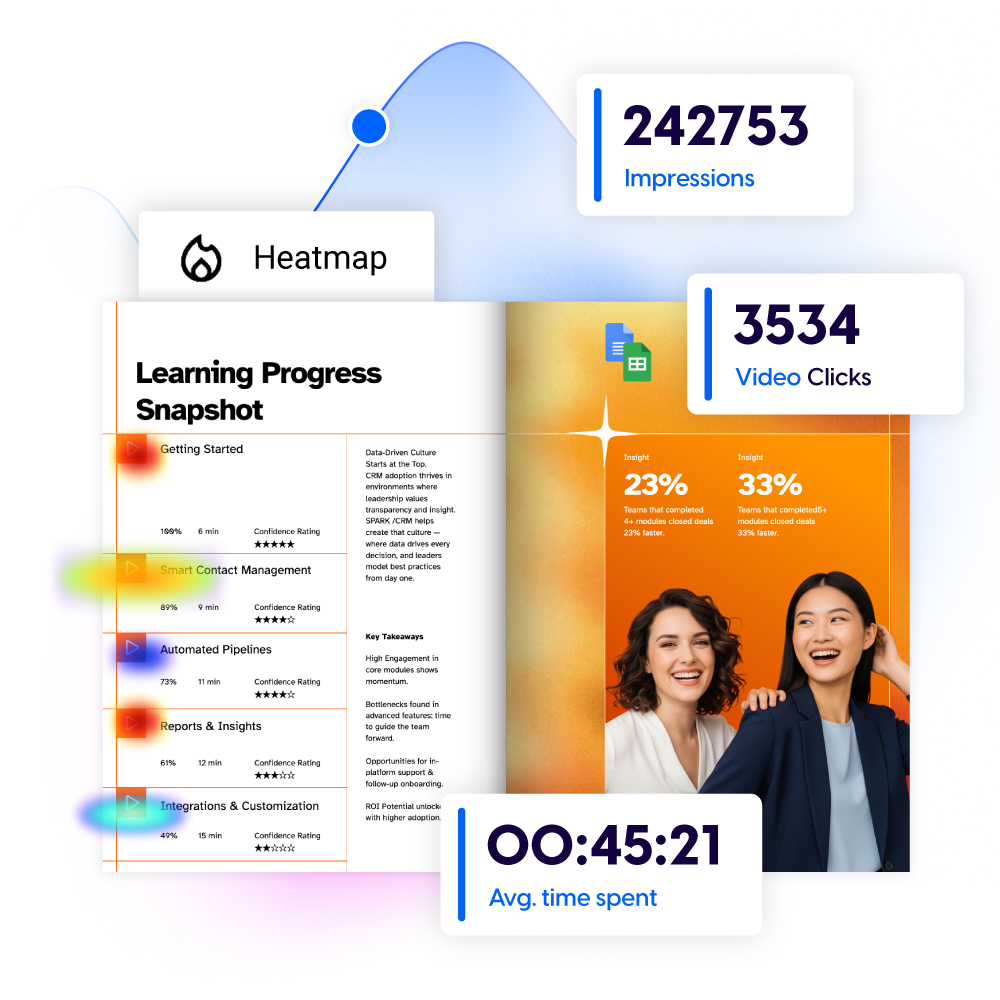
See where readers click, watch, and interact with your content, then use real behavior data to improve engagement and conversions. You can track:
- Clicks on links, buttons, videos, and embeds
- Form interactions, including leads and responses
- Time spent engaging with your content
- Heatmaps showing which elements get the most attention
Frequently asked questions

An interactive publication is a digital document that lets readers click, explore, and take action. With elements like buttons, links, videos, forms, and product hotspots, it turns static content into a more engaging and measurable experience.
After uploading a PDF to Flipsnack, it is transformed from a static document into a fully interactive experience, with clickable areas, videos, product tags, pop-ups, embeds, and tracked interactions, all added on top of the PDF.
All interactive elements in Flipsnack work seamlessly on desktop, tablet, and mobile. Your readers can click buttons, watch videos, browse product links, and submit forms, no matter the device or screen size.
What else to try:
Create interactive, on-brand publications and manage everything from sharing and branding to analytics, all in one place. Learn more about:
Interactive content that drives growth
Our team can help you design the right interactive setup for your workflows, audiences, and growth goals.