
Online Report Maker
Build monthly, quarterly or annual reports online and turn company data into clear, engaging publications.
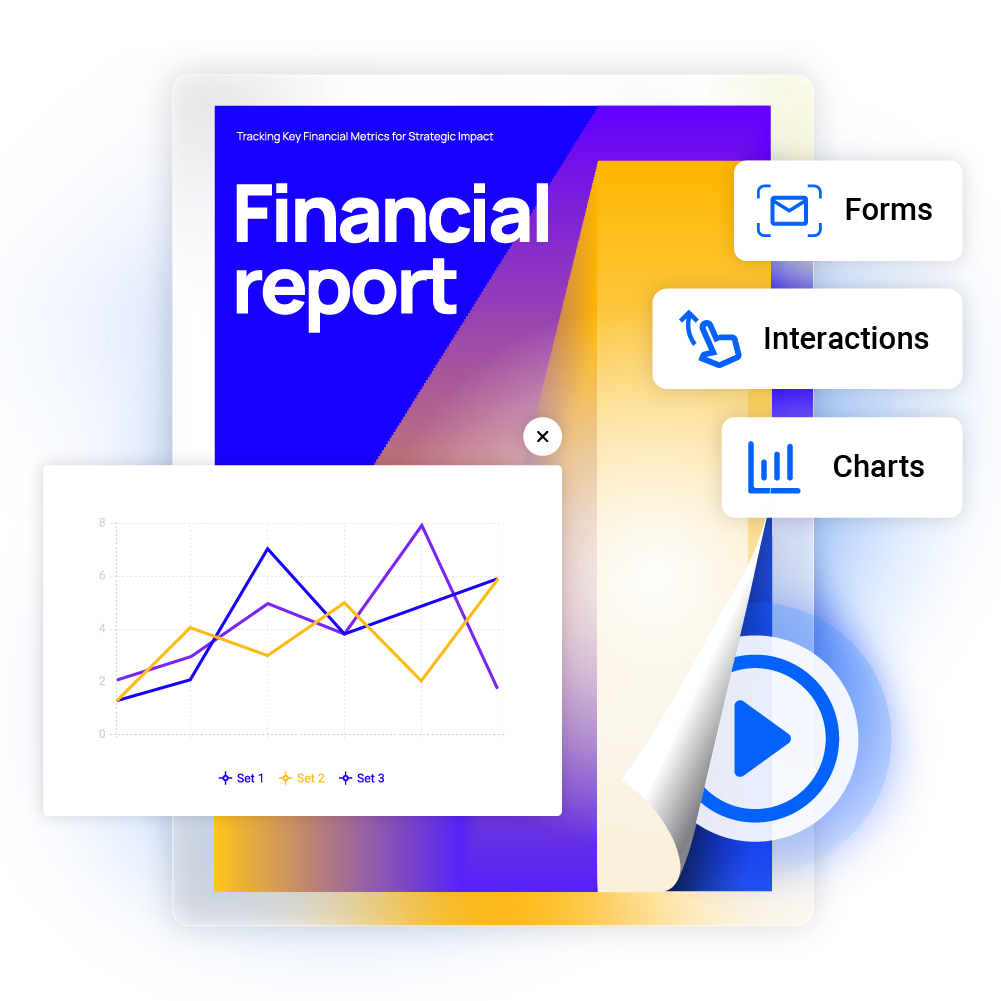
- Add videos, charts, and interactive forms
- Customize every report to match your brand
- Share reports securely with clients or your team
- Track engagement with page-level analytics
Trusted by the world’s most innovative businesses





What is a digital report?
A digital report is an interactive online document that makes business data easier to share and understand. You can build annual reports, financial summaries, monthly status updates, and quarterly reviews using our drag-and-drop report designer. As a flipbook, your report can include interactive charts, videos, and forms. Publish with a secure link and track how your audience engages with every page.
Create a digital reportHow to make an online report
Create professional reports online and present your business data in a format that's easy to share and understand.
Create a digital report1. Upload your PDF or choose a report template
Convert an existing PDF into an interactive digital report in seconds, or start from one of our annual, monthly, or business report templates.
2. Customize your report design
Add interactive charts, videos, forms, and more, to present your data clearly, then apply your logo, colors, and fonts to match your brand.
3. Share your digital report
Send password-protected links to stakeholders, enable SSO for secure internal access, or make your report public. You control who sees it.
4. Track report engagement and performance
Monitor page views, time spent, and clicks per page, and review form submissions all in real time.
Traditional PDF vs Flipsnack's digital report
| Feature | Traditional PDF | Flipsnack's digital report |
|---|---|---|
| Interactivity | Static text and images only | Videos, charts, forms, and clickable links |
| Sharing | Large email attachments or downloads | One instant, secure link, no download required |
| Updates | Must resend the file every time something changes | Real-time updates, the link stays the same |
| Analytics | No data, you don't know who read it | Track views, time spent, clicks per page, and more |
| Mobile view | Requires pinching and zooming to read | Responsive design that fits any screen size |
| Security | Password protection only | Password protection, One-time passcode, SSO, and restricted access by email |
Business Report Templates
Build business report templates for any need, from project updates to financial summaries. Add charts and visuals to make complex data easy to read. Match each report to your brand and tone.
More business report templatesMonthly Report Templates
Track key metrics with monthly report templates for sales, finance, and team updates. Show clear month over month comparisons and spot trends early. Great for management reviews and stakeholder updates.
More monthly report templatesAnnual Report Templates
Create annual reports that show off your year's wins to investors and stakeholders. Add financial data, milestones, and goals. Our templates help you build reports that reflect your brand.
More annual report templatesMore than a report maker
Build branded reports for your business
Make every report match your brand identity. Customize your business reports with:
- Company logo, color palette, and fonts
- Custom favicon and personalized header
- Branded URL for professional sharing
- Branded templates for consistent company-wide reporting
Get insights from report analytics
Monitor how your reports perform with detailed analytics:
- Views, time spent, and engagement per page
- Downloads, devices, and reader location
- Integration with Google Analytics for deeper insights
- Access tracked across workspaces, bookshelves, and individual reports


To say that using Flipsnack has been a success is an understatement. We’ve seen an increase in knowledge and engagement–which is strictly due to Flipsnack! Our training content has never been more organized and easy to access.
Add interactivity to your online reports
Media elements
Enhance your annual reports with explainer videos, external links, and captions for an engaging design.
Forms
Capture leads with embedded forms and sync data to your CRM through Zapier, or connect directly to HubSpot or Salesforce.
Pop-ups
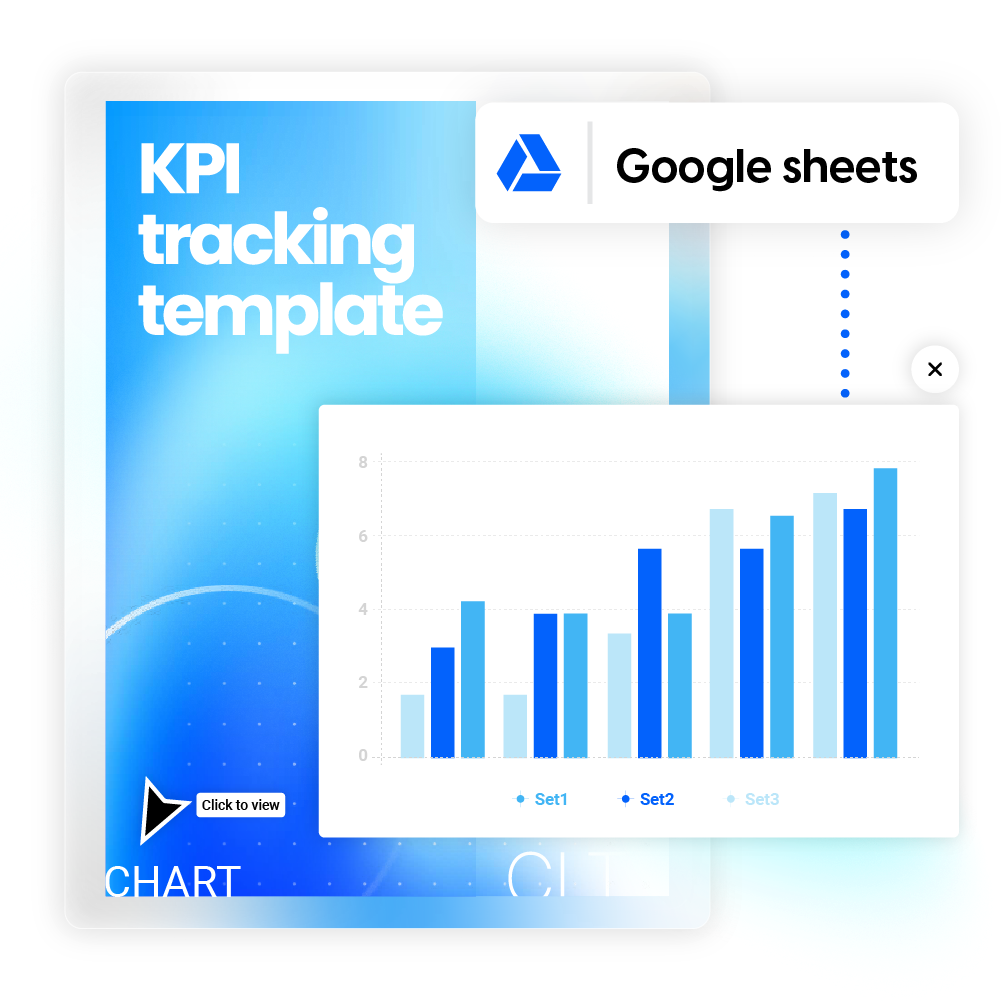
Display data clearly by adding your Google spreadsheet to the digital report and embedding it with a custom Iframe code.
Add interactive charts to reports
Use our online report maker to present data clearly with charts. Choose line, bar, or pie charts to visualize key business metrics. Connect live spreadsheet data that updates automatically, so your reports always show the latest information.
Share your reports confidentially
SSO sharing
Share reports securely with SSO authentication for enterprise-level protection. Grant direct access through SSO, no Flipsnack account needed.
Password-protected
Share secure links with stakeholders while keeping sensitive business data and financial information protected.
Specific people only
Control exactly who sees your reports by entering email addresses. Grant access to specific team members or stakeholders & restrict unauthorized viewers.
AI-powered accessible report maker
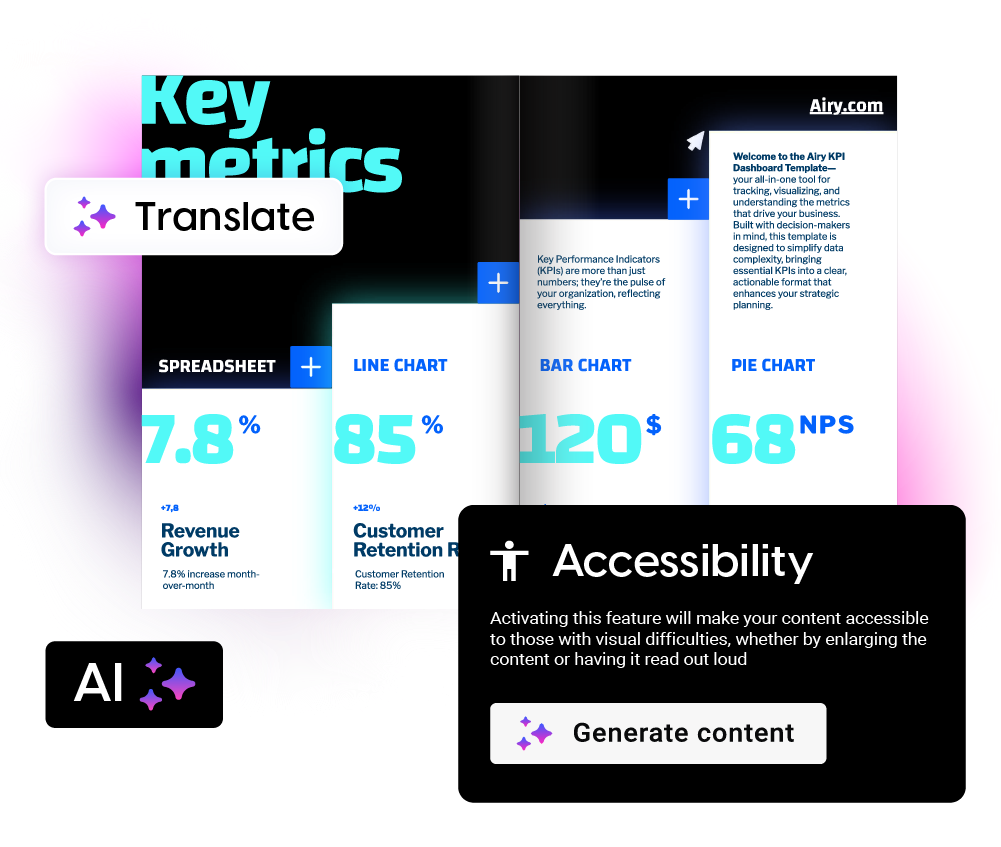
Our AI features help you create, translate, and optimize digital reports with less manual work. With Flipsnack's AI tools, you can:
- Generate alt-text for screen reader accessibility
- Translate content into multiple languages
- Turn images into Living Visuals or AI-generate images
- Get AI insights and recommendations to boost engagement
Frequently asked questions

Yes. Our drag-and-drop report maker lets you create professional reports in minutes, no design or coding experience needed. Just upload your content and customize it with interactive elements and your branding.
Flipsnack lets you build secure, branded financial reports, gate them with password protection or SSO access, and track detailed engagement statistics. You can start from a financial report template or upload your own PDF to get started quickly.
Start with an annual report template and customize it in Flipsnack’s Design Studio. Add your data, branding, and visuals in just a few clicks, then share it privately or publicly and track engagement.
Yes. Flipsnack lets you create and publish a digital report for free, with options to upgrade for more branding and advanced features. Sign up to see what's included in each plan and choose the one that works best for you.
Yes. If you publish your report as a flipbook, you can edit and update it anytime without changing the link. Your audience always sees the latest version, no need to resend links or create new files.
Flipsnack securely stores all reports on private servers with industry-standard security controls. We maintain ISO 9001, ISO 27001, and ISO 20000-1 certifications to keep your data safe and accessible.