Make interactive presentations
Upload a PPTX or PDF and add links, video or forms.

Turn a PowerPoint, PDF or template into an interactive online presentation. Share it with one link, update it anytime, and track who actually reads it.
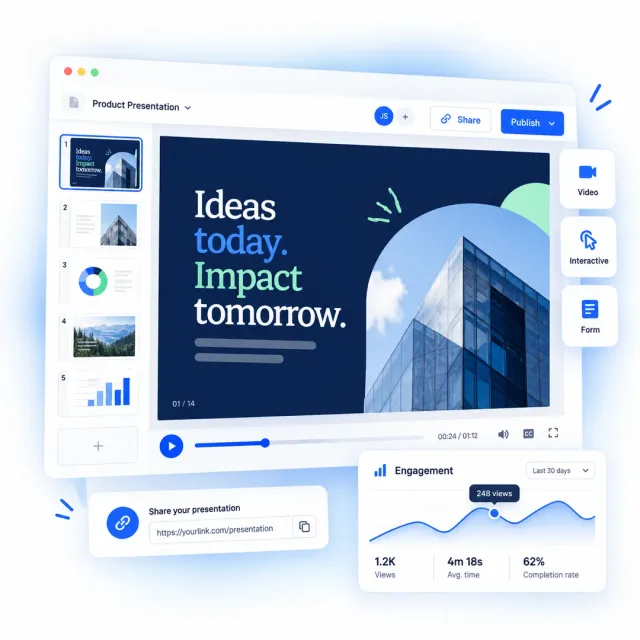







A digital presentation is an interactive slide deck that opens in any web browser, with no download required. Unlike a static PowerPoint or PDF, it can include clickable links, videos, forms and quizzes, shared as a single URL or embedded on a website. Built with web based presentation software, you can create one from a PPTX, a PDF, or a template, update it after sharing without changing the link, then track which slides held attention.
| Criteria | An online presentation maker | PowerPoint, Keynote or PDF |
|---|---|---|
| Pricing or terms change mid-deal | Correct the page, the link stays live | The copy on their laptop keeps the old number |
| Starting from what you already have | Upload a PPTX, ODP or PDF and edit it in place | Locked to the application that made it |
| Getting it open | Any browser, no app, no account | Download, right application, right version |
| Reading it on a phone | Readable on any screen size | Pinch and zoom, page by page |
| Someone forwards it | The deck explains itself without you | A file with no explanation attached |
| Who read it | Views, time spent and clicks, page by page | No way to know |
| Confidential decks | Password, one-time passcode, visible watermark | A password on the file, then nothing |
| Extra languages | Translate inside the same presentation | One file per language, one send per language |
Upload a PPTX or PDF and add links, video or forms.
Present live or let viewers explore it anytime.
Add a password, passcode or watermark for control.


Flipsnack is a great PDF converter tool for interactive storytelling that funnels into lead generation and conversion – all within the same ecosystem!
Danny Wong
Head of Growth & Innovation
How it works
Build, share and track an interactive presentation in four steps. No design experience needed.
Upload an existing PowerPoint, PDF or ODP and Flipsnack converts it into an editable presentation. You can also start from a presentation template or a blank page.
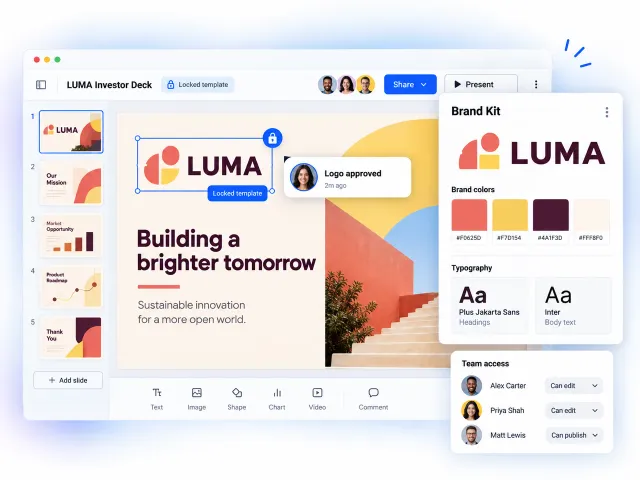
Embed videos, link buttons, charts, forms and quizzes. Animate a still image into short motion with Living Visuals. Apply your brand colors, fonts and logo from the brand kit.
Send a direct URL, embed the presentation on your site, or generate a QR code. Lock it behind a password or restrict access by email. Edit it later without changing the link.
See total views, time spent per slide, link clicks and form submissions. Use the data to sharpen your follow-up.
Skip the blank canvas. Choose from ready-made templates for sales pitches, marketing decks, client proposals, training materials and business reports. Each one is fully editable, so you can swap in your content, colors and logo in minutes.
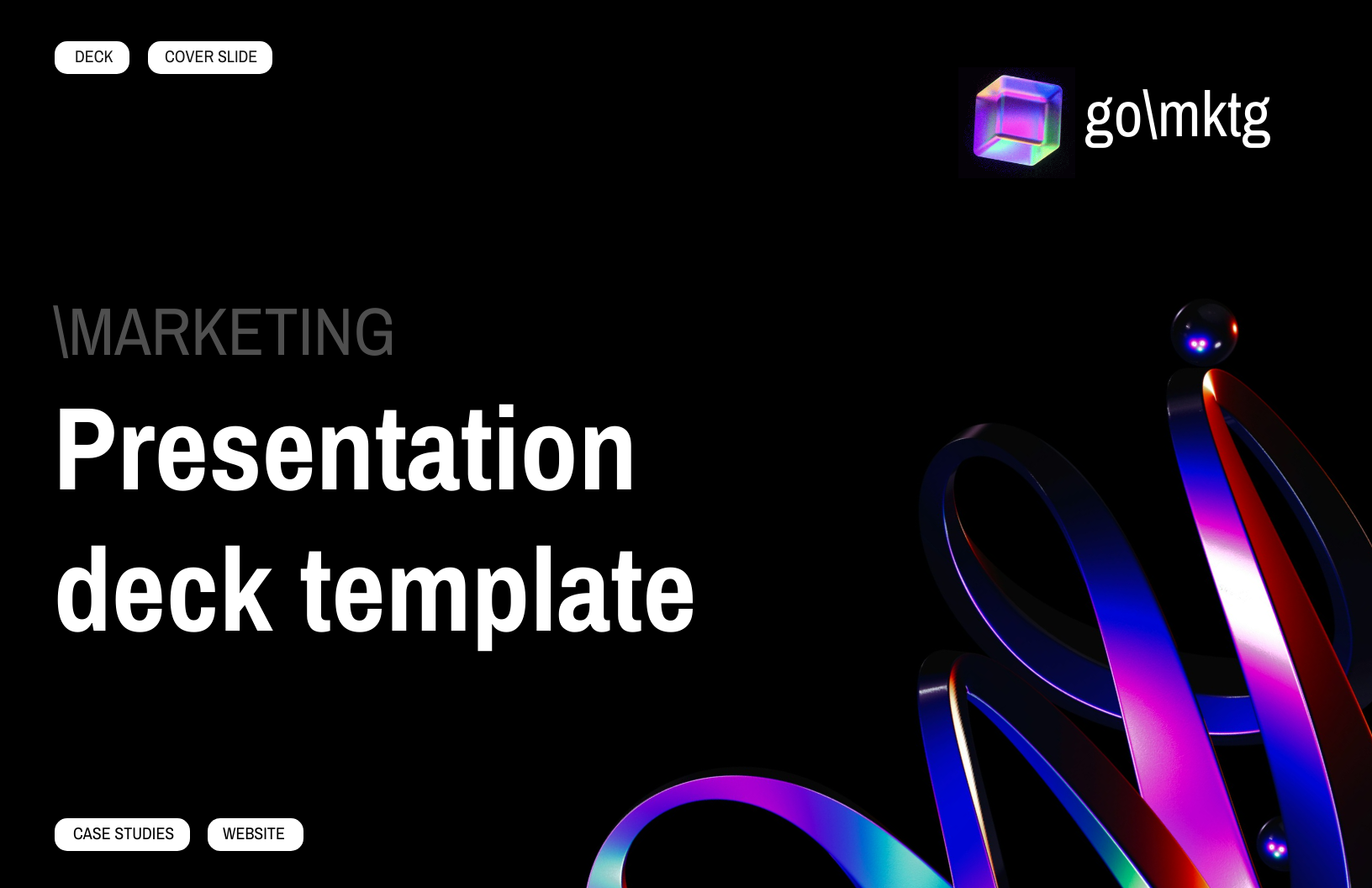
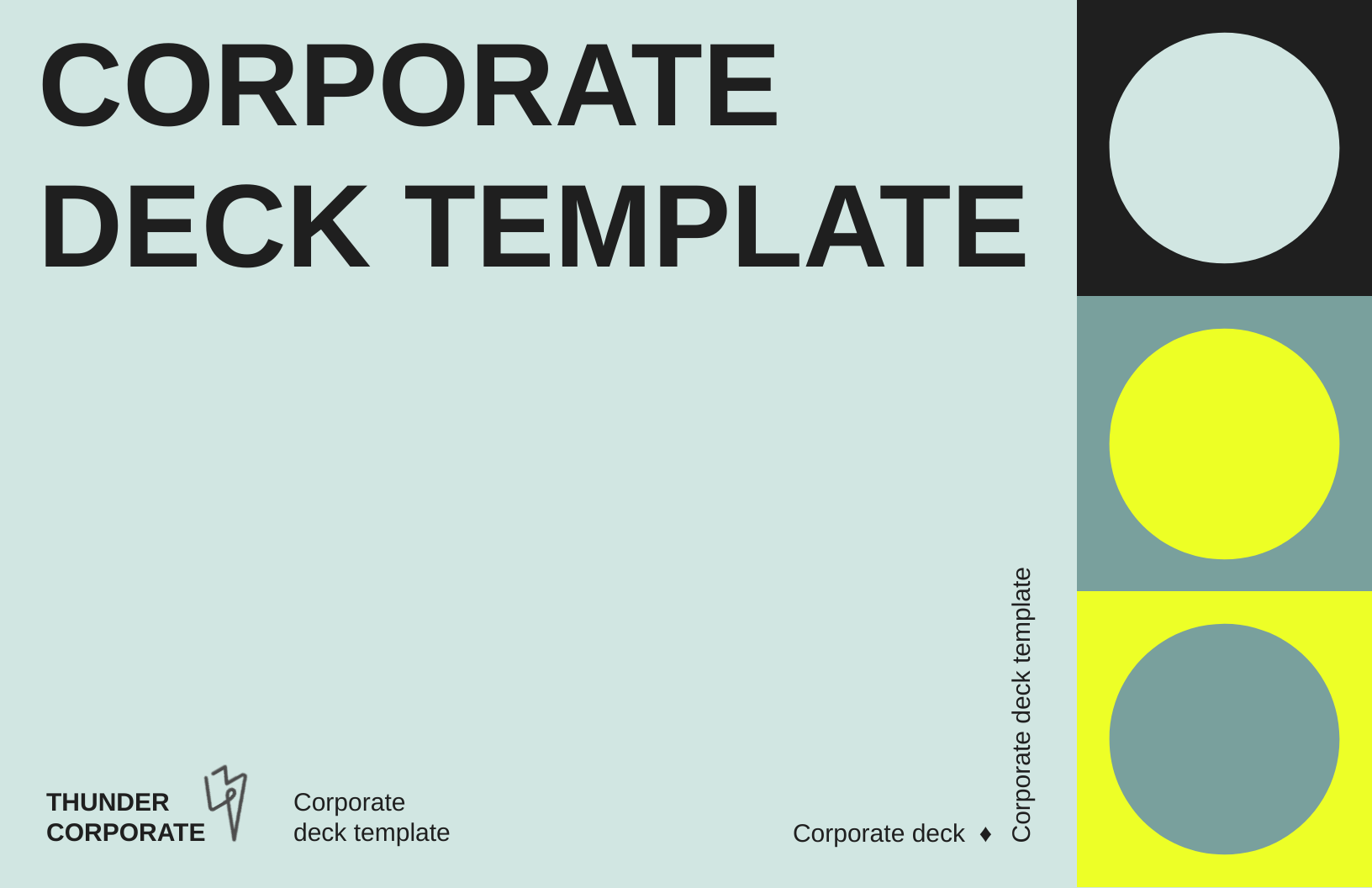
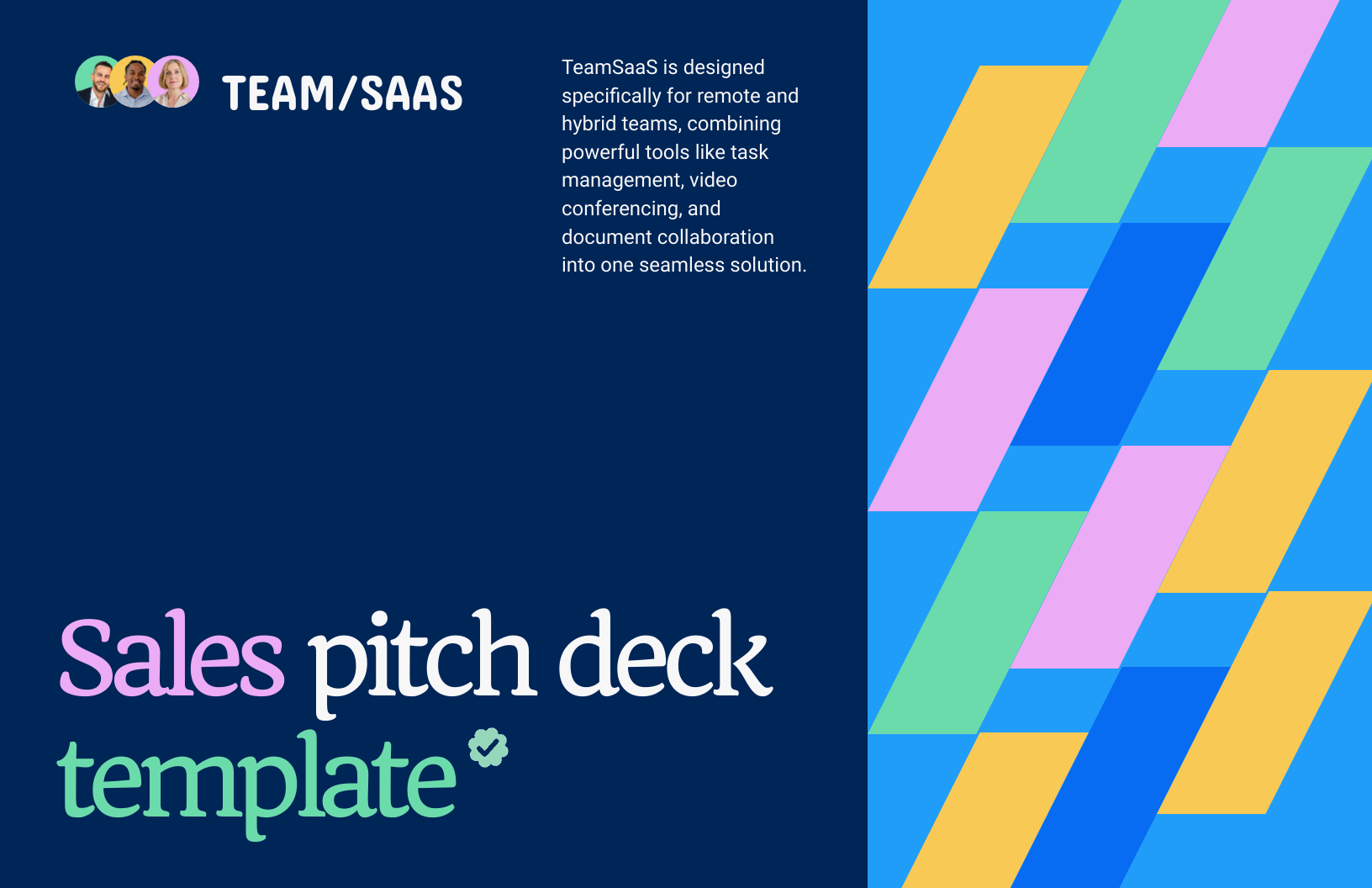
Send your deck as a trackable link. See who opened it, what they read, and who is worth calling back.
Build campaign decks with video and live links. Use the drop-off data to fix the next one.
Keep onboarding, training and course material current. Add quizzes, update once, and everyone sees the change.
Show listings and market reports with floor plans, tours and maps. Update the price, keep the same link.
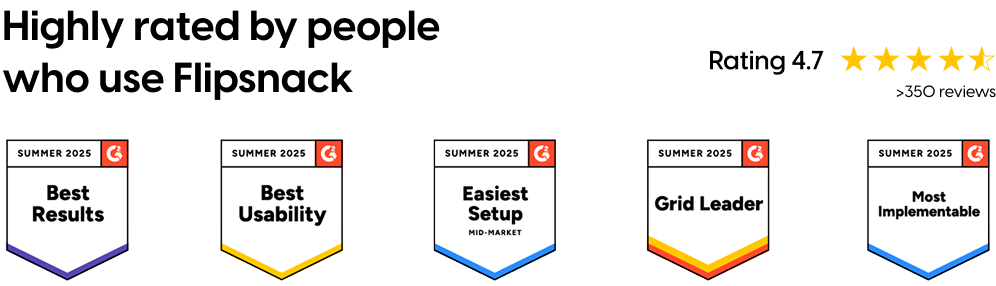
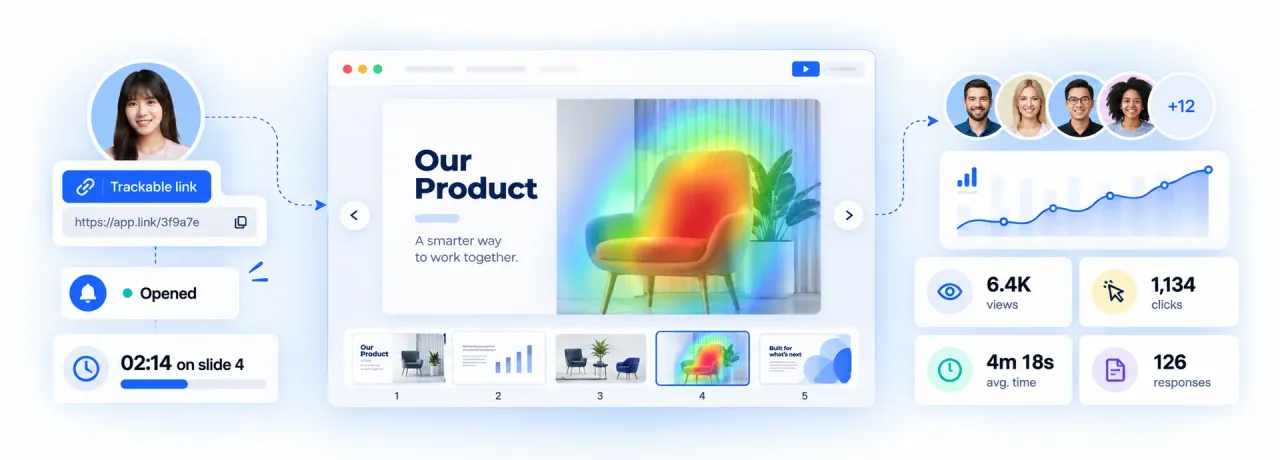
Give each recipient their own link and follow the deal, not the aggregate.
Treat the presentation like a page on your site and measure it the same way.
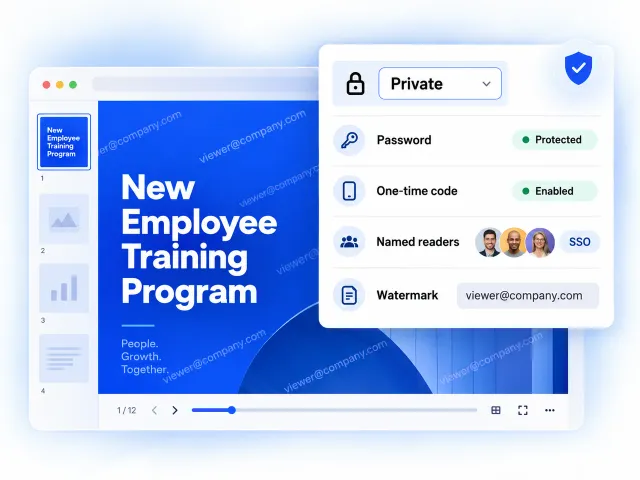
Not every presentation is meant to be public. Choose the level of access that fits the material.
Give teams the freedom to create without letting the brand drift.
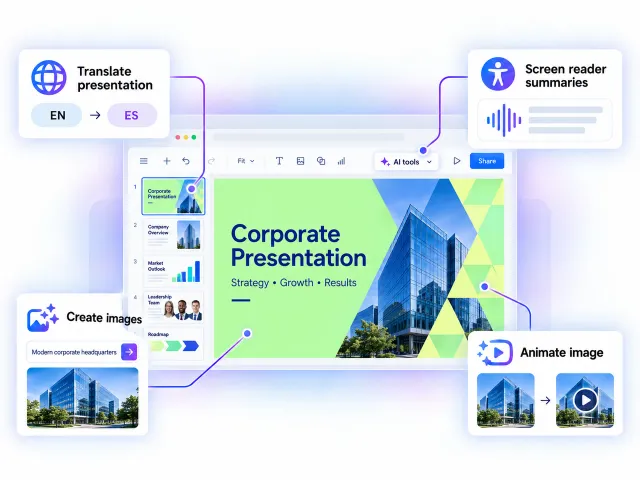
Let AI handle the repetitive parts of building a presentation.
An interactive presentation is a deck the reader can act inside rather than just watch. It carries clickable links, embedded video, forms and quizzes, so someone reading it alone can follow a link, watch a demo or submit a question without leaving the page.
Yes. Upload a PPTX, ODP or PDF and Flipsnack converts it into editable text, images and shapes, so you can fix a typo or swap an image without rebuilding the deck. Editing uploaded files is in Beta on all plans. Complex files may need a few adjustments.
Publish it and share the URL. Send the link by email, embed the presentation on a website, or generate a QR code. The link stays the same when you update the content, so nobody reads an old version. Recipients need no account and no software.
Yes, you can see views, time spent and clicks for each page, plus form responses, and you can create a separate trackable link per recipient. Flipsnack notifies you the first time a link opens. One limit is worth knowing: a trackable link measures activity on the link, not the identity of the person using it, so a forward still counts against the same link.
Yes. Open the presentation from your account, go full screen, and click through it in any browser. Videos and links play while you present, and the same link goes to attendees afterwards.
Yes, Flipsnack gives you a free presentation maker with no credit card required. Publish your first presentations the same day and share them by link, email or QR code. Free publications carry Flipsnack branding. Upgrade when you need private sharing, engagement data or your own brand on everything.